Using iOS operating systemActiveSync Sync SettingsPlease refer to the following steps.
- EnterSettings > Mail > Account
|
|
|
|
|
|
|
|
|
- Enter the company's email account and password.
- The description can be changed to the desired name.
|
|
|
|
|
|
|
|
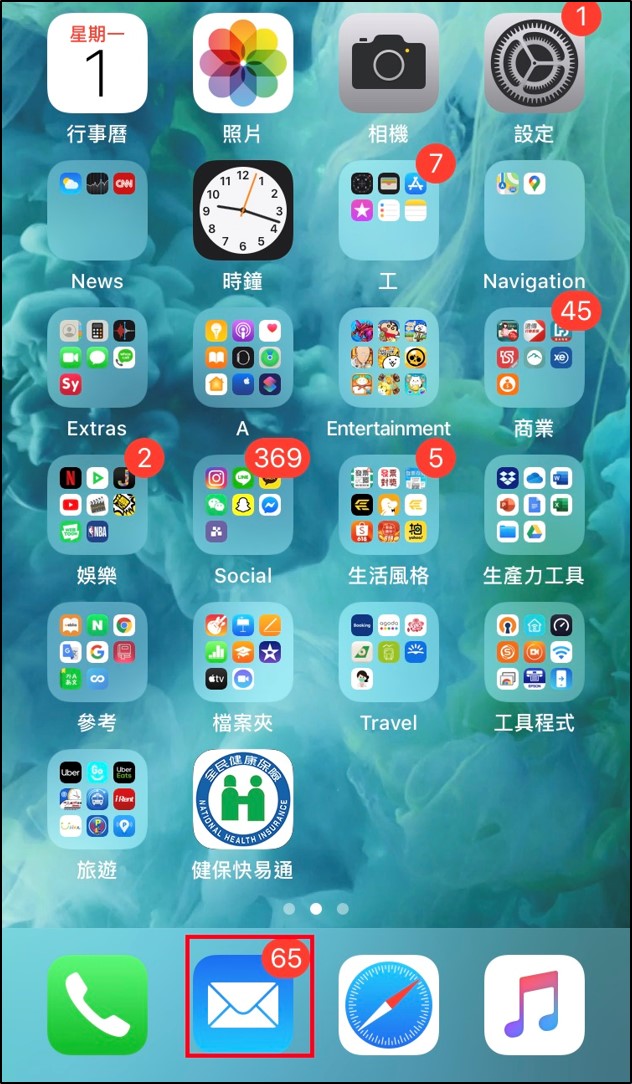
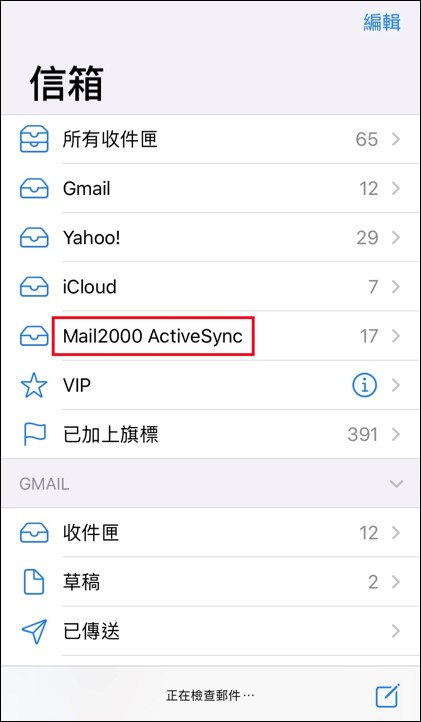
- Email: Click on the Email app on the main screen to view the synchronized emails.
|
 |
 |
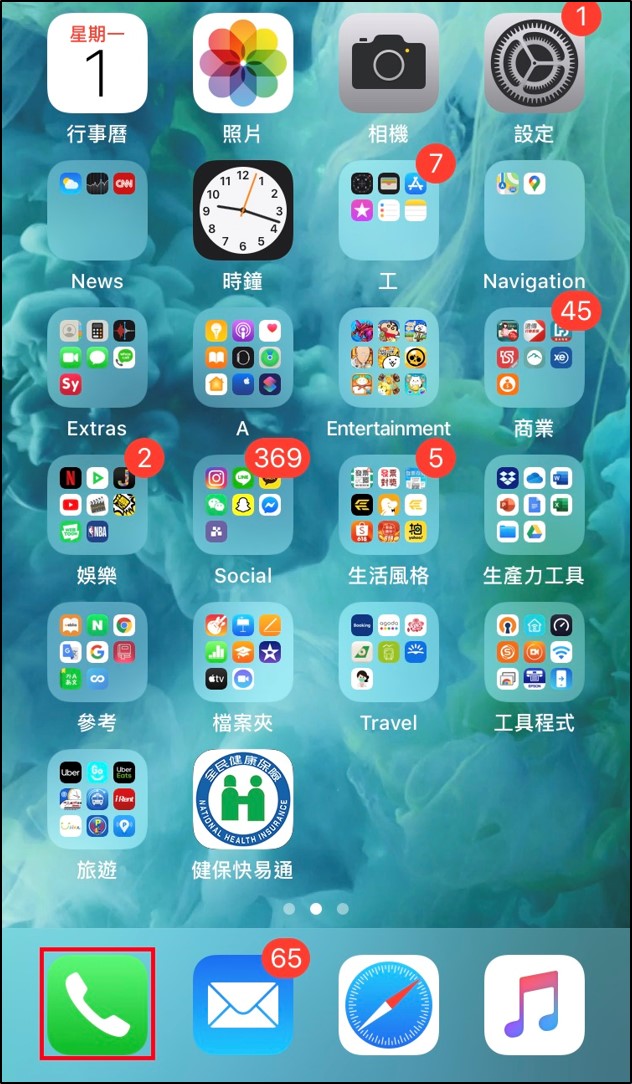
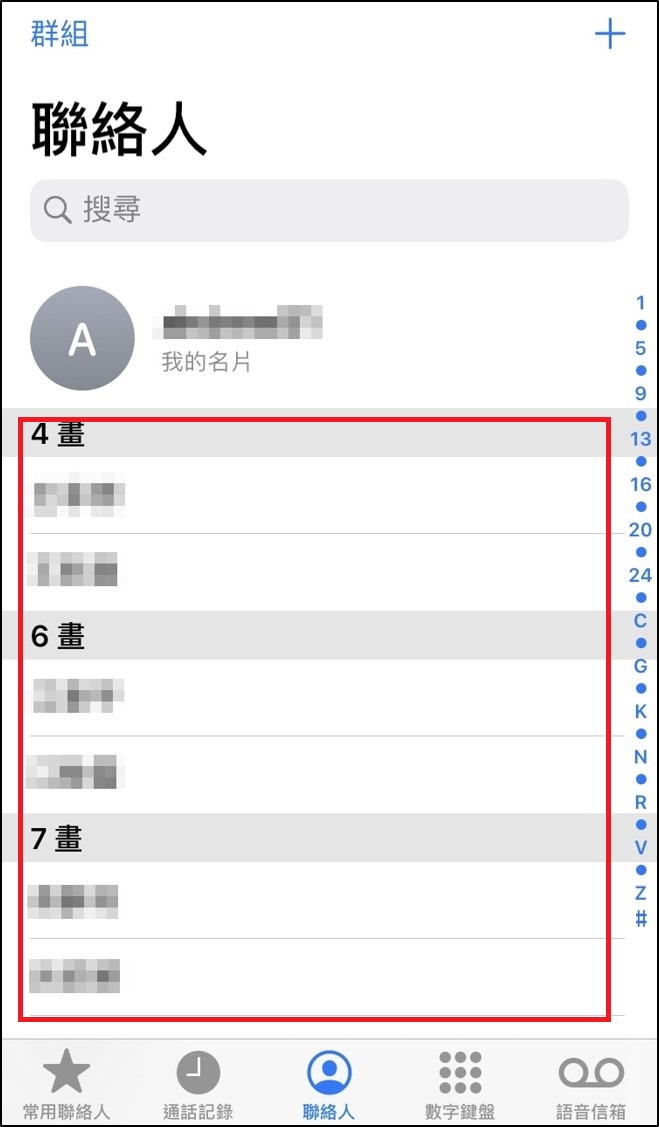
- Address Book: Click on the Phone app on the main screen to view the synchronized contacts.
|
 |
 |
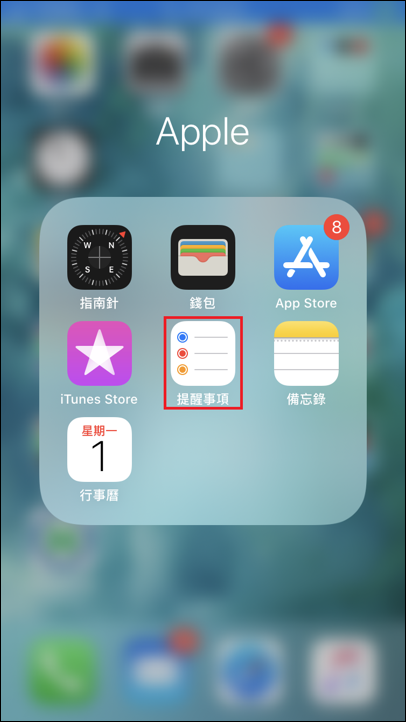
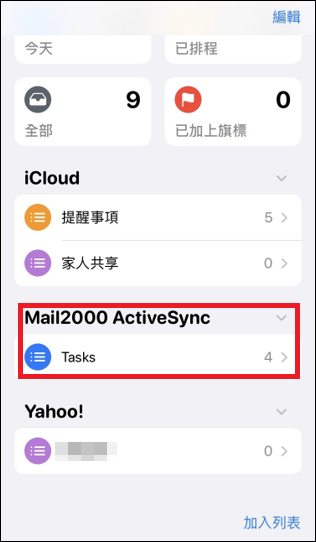
- Reminder:
请勿在使用電腦或手機時長時間保持同一姿勢,定期休息眼睛和肌肉.: Click on the Reminder App on the main screen to view the reminders synchronized.
|
 |
 |
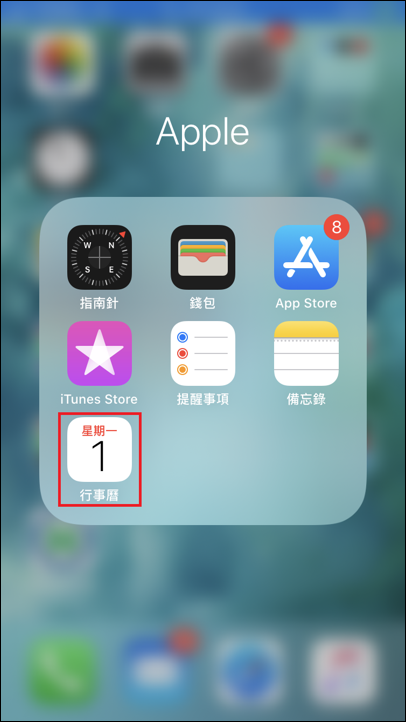
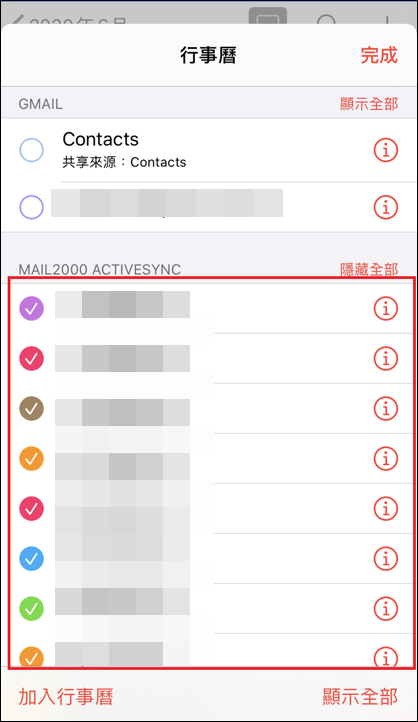
- Calendar: Click on the Calendar app on the main screen to view the synchronized calendar.
|
 |
 |