Skip to main content
How to scan files for viruses?
- Click on the "More" dropdown menu in the toolbar, and select "Scan for viruses".

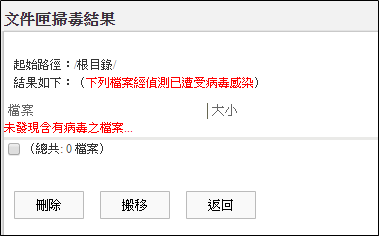
- Display the virus scan results page, where if the file is infected with a virus, you can perform actions such as "Delete" or "Move".
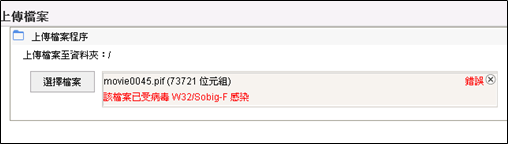
- Files uploaded will also be scanned for viruses, and if a virus is detected in the file, the upload will be terminated immediately.